
Small games for real life.

Small games for iPhone, iPad and your browser, designed by Houfu Chen and built with friends and AI. No ads and no accounts.

Drag across the background to draw living cells.

5 apps · made with friends

// why these exist

Why I made these.

Something to stare at

A minute of planking feels endless when you're staring at the floor, so I made something to stare at instead: Plank Constant. Game Life is the same idea, a screen that keeps changing all by itself.

Someone to play with

A few of these I made to play with the girl I liked, who later ghosted me (or the situation became too awkward to talk, idk, idc); the games stayed. Now you can play them with someone who won't.

A reason to actually read

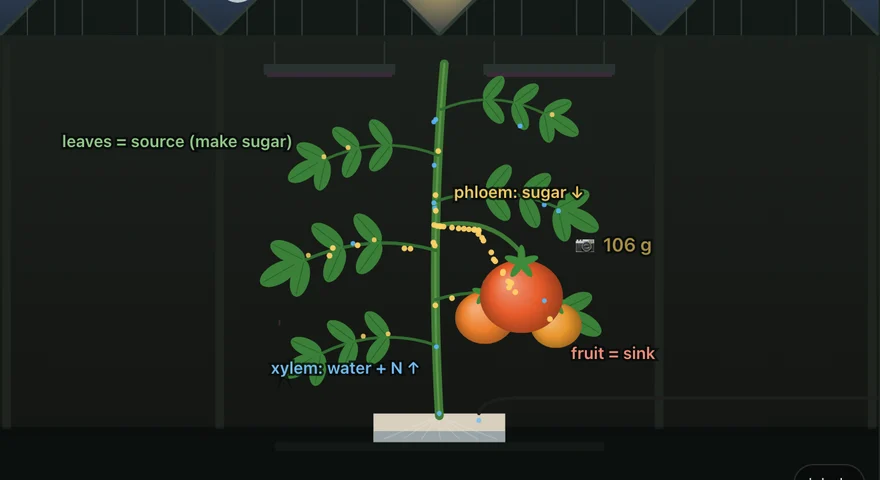
My professor told me to stop letting AI summarize papers and actually read them. Social media had worn my focus thin, and no reader I tried kept me on the page, so I built Phloem. The name is from my PhD: phloem carries sugar from leaf to fruit, and a reader carries knowledge from paper to brain. It also sounds like "flow them", which is the whole idea.

// on the App Store

Apps for iPhone and iPad

Every app here started as a small web game in the arcade below. Game Life, Qi Zi and Phloem are out now on the App Store, and two more games are on their way. Want to play one early? Join its TestFlight beta.

Game Life: Cellular Worlds

Conway's automaton, reimagined

  • iPhone · iPad
  • Free
  • Available now

A tiny universe that runs on three simple rules. Draw a few cells, press Play and watch them live, die and multiply.

  • See what's coming: cells coloured by their fate, and Lookahead up to 55 generations ahead.
  • Eleven puzzles, from surviving 20 generations to outlasting a shrinking arena.
  • Music Box turns the board into a melody. Draw with a finger or Apple Pencil.
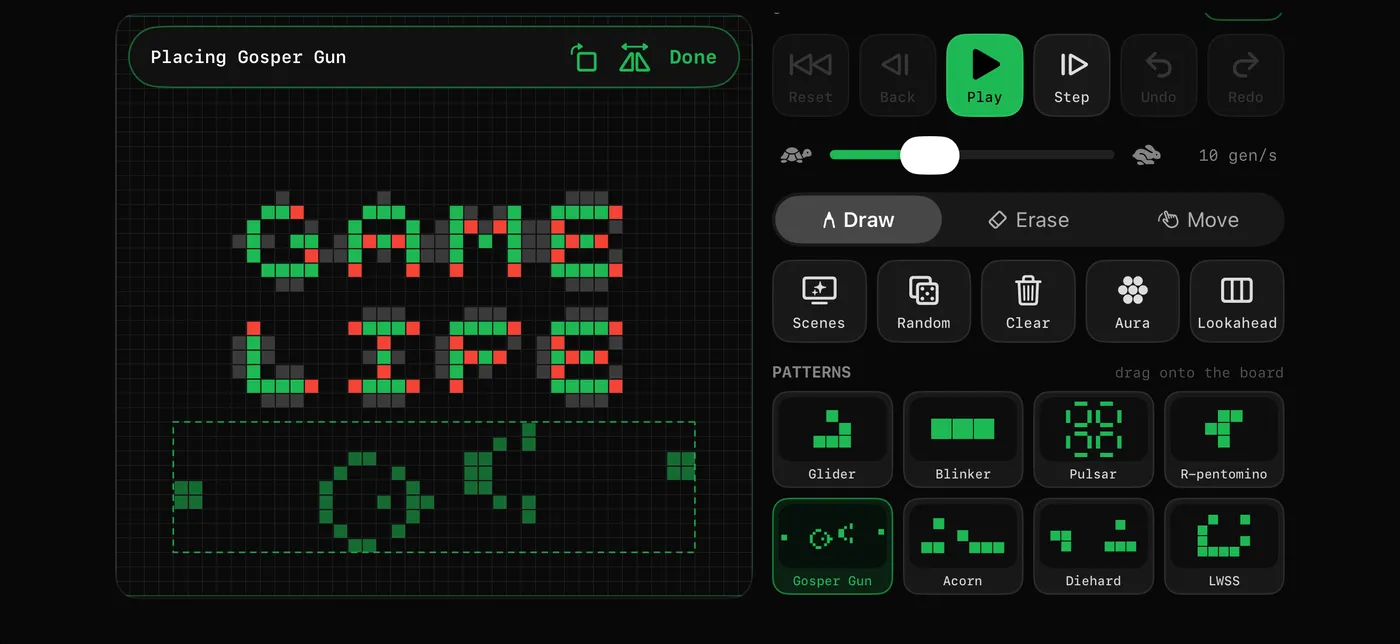
Game Life on iPhone: placing a Gosper glider gun beside a pixel GAME LIFE pattern

Qi Zi: Go, Gomoku, Chess & Mahjong

Play the computer or a friend

  • iPhone · iPad
  • Browser · Android
  • Free
  • Available now

Four classic games, made for touch, for learning, and for playing with friends.

  • New in 1.2: the start screen is the app icon come alive. Tap the dragon or the snake for Go, the tomato for Gomoku, the tile for Mahjong, or turn the board over for chess. Go also has famous games to watch, from Shusaku to AlphaGo, and life-and-death problems from the Xuanxuan Qijing.
  • Go on 9×9 to 19×19, Gomoku and chess, each against the computer at three levels with a coach that rings the most urgent move and says why. The chess pieces are carved from pebble and shell, and two players on one iPad can sit face to face.
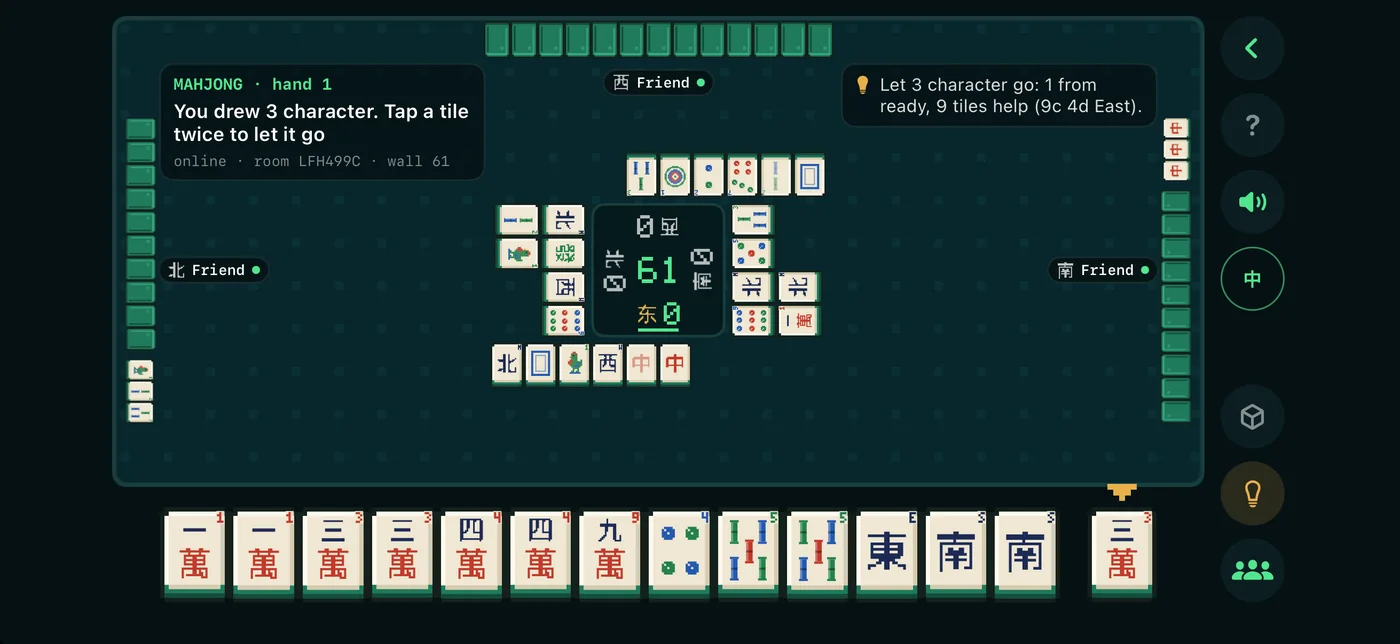
  • Mahjong for four, simple Chinese rules: three computer levels and a coach for every discard. Between hands an automatic table sweeps, shuffles and builds the four walls.
  • 3D boards beside the 2D one. In Go every group is a black snake or a white dragon that grows with it, and a big capture slays it with a temple bell; Gomoku grows a vegetable garden, chess is carved in 3D, and Mahjong is played on the automatic table. Six boards, each with its own sound.
  • Win rates for Go, Gomoku and chess: a live bar while you play, and after the game a graph that marks the blunders and turning points. Play friends online in all four games, up to four at a Mahjong table. In English and Chinese.
  • No iPhone? Play it in the browser, on Android or a computer: all four games, with the same computer, coach and 3D boards. Online rooms are shared with the app, so a friend on the web can play you on your iPhone.
Qi Zi on iPhone: a Mahjong table online, friends in every seat

Plank Constant

Plank timer games, hands-free

  • iPhone · iPad
  • Free
  • In beta testing

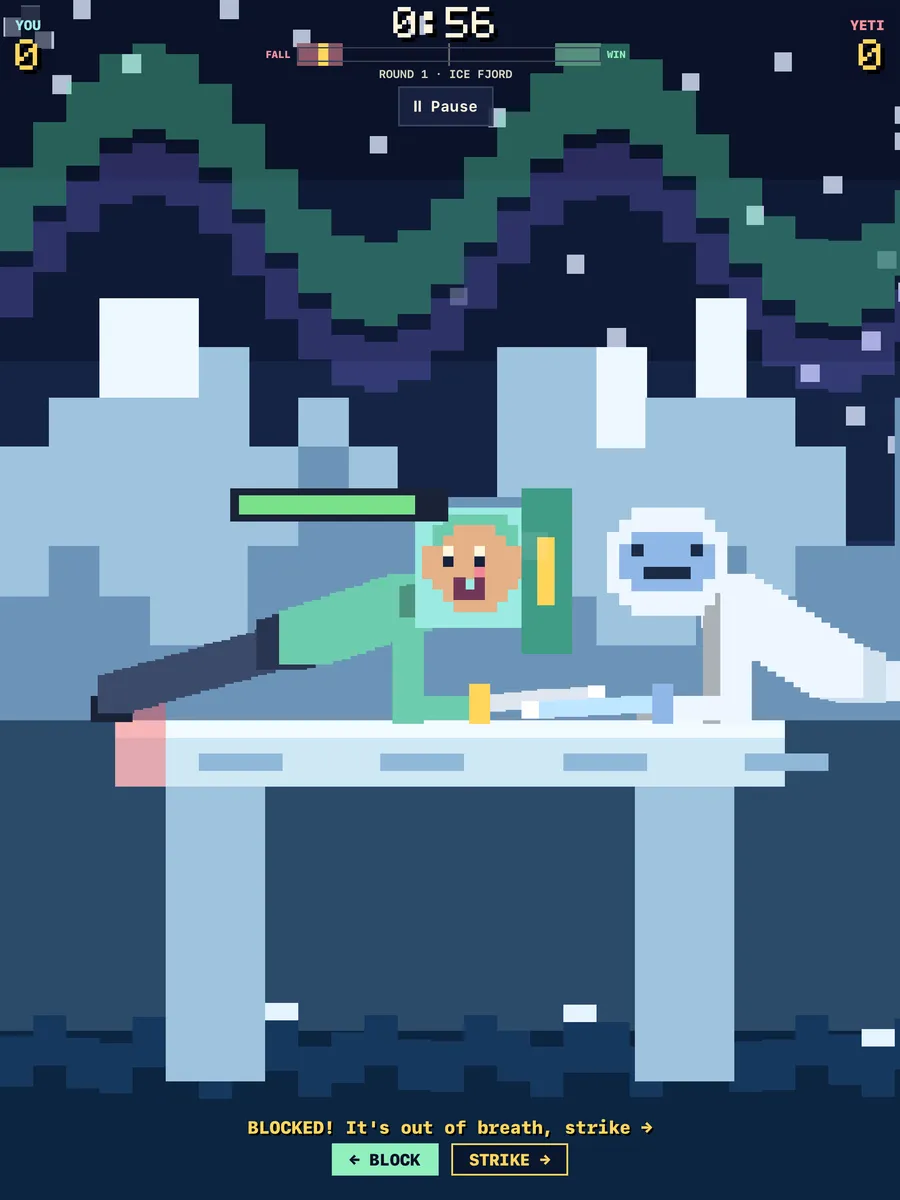
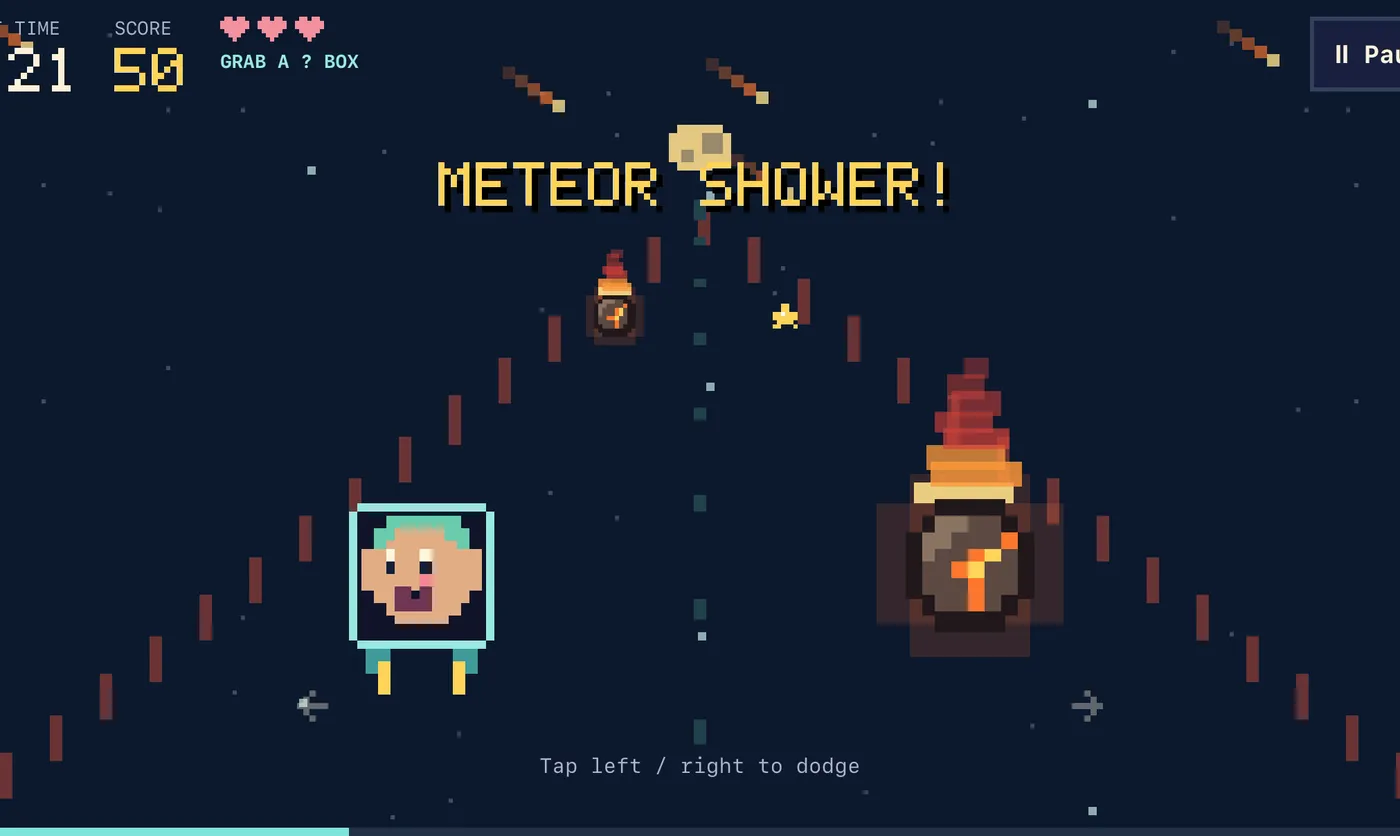
Hold a plank and play with your face, so your hands stay planted and the clock stops dragging. Two games: a flight through a meteor belt, and a duel on a plank with a new weapon every round.

  • Flight: dodge fiery meteors, grab stars and ? boxes, and survive the double-points final stretch.
  • Plank Plank Plank!: swords, boxing gloves, hammers, frying pans and pillows against a goat, a lava golem, a yeti, a crab and a robot, or duel a friend over FaceTime.
  • Play with small face shifts, your eyebrows, or a nod and a shake. Face tracking never leaves your iPhone.
Plank Plank Plank! on iPad: a planking fighter blocks a yeti's sword on an ice bridge
Flight on iPhone: a pixel face dodges fiery meteors during a meteor shower

Manilha

Guess your tricks, mind the trump

  • iPhone · iPad
  • Free
  • Coming soon

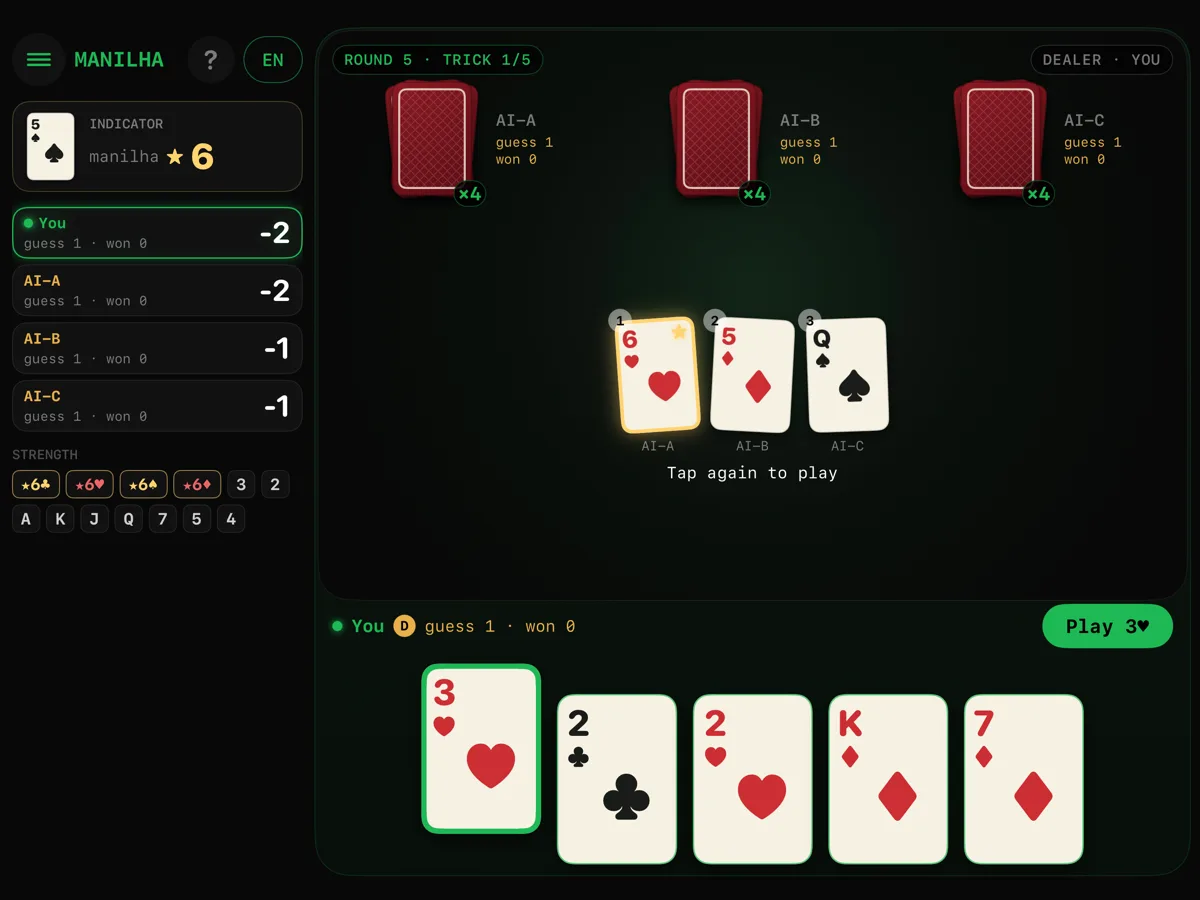
The Brazilian trick-taking card game also known as Fodinha, or Oh Hell. Guess how many tricks you'll take, then take exactly that many.

  • A new manilha every round: one rank beats every other card.
  • Blind rounds: you see everyone's card except your own.
  • Online with up to three friends: teams of two or every player for themselves, in the app or a browser.
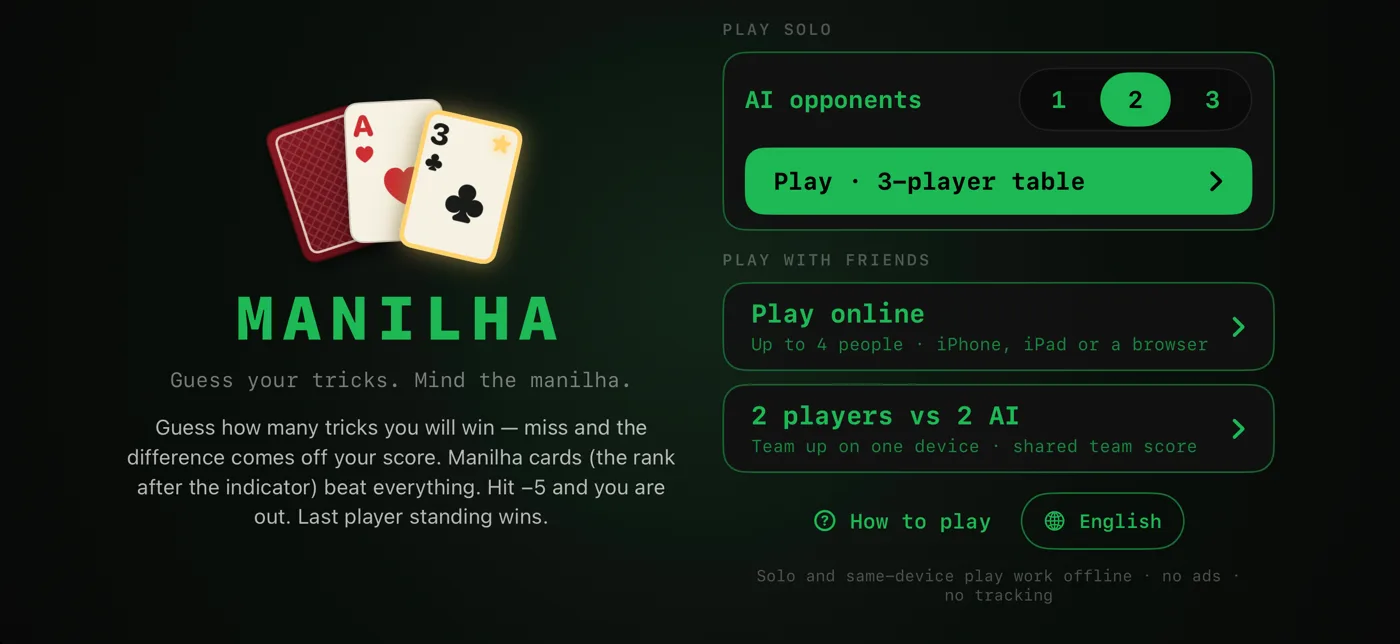
  • Solo against up to three computers, or two of you on one iPhone or iPad. English, Português, Español and 中文.
Manilha on iPad: your hand of cards at the edge of the table, the manilha indicator on the left
Manilha on iPhone: the menu, with 1, 2 or 3 computer opponents, online play, or two players against two

// and one for reading

Phloem: Paper Reader

A calm reading desk for research papers

  • iPad
  • Free
  • Available now

A calm, local-first reading desk for research papers on iPad. Import PDFs and Word files, read without distractions, and keep your thinking beside the source.

  • A reading guide that walks you down the page line by line, in light or dark.
  • Optional AI with your own key explains a passage and marks it for you to verify. It stays off until you turn it on.
  • Book view with real page turns, and Apple Pencil notes right on the page in eight inks.
  • New in the web reader: sticky notes on PDF pages, and an export that writes your highlights, handwriting and notes into the original PDF. They come to iPad in the next update.
Paper: Knoblauch et al., eLife 2016 · CC BY 4.0

// how these are made

Small, and made with care.

01

Made with friends (and AI)

Designed by Houfu Chen, a doctoral researcher at the University of Waterloo, coded together with Claude (an AI assistant), and shaped by friends who test every build and bring some of the best ideas: Shaped by Sam's ideas Glyph Run What makes it its own game Game Life Drag-and-drop patterns Challenge mode , Jieun Shaped by Jieun's feedback Phloem White ink in dark mode Sticky notes on PDF pages Export annotated PDF: the file opens with your marks, and the iOS share sheet appears Workspace docked below the paper in portrait Taps no longer follow PDF links Zoomed page turns Second tap closes a Zen tool Guide thickness in percent The ink lag fix …and more LinkedIn ↗ , Ittisak Shaped by Ittisak's feedback Phloem The app icon LinkedIn ↗ , Alex Shaped by Alex's feedback Phloem Drag and drop notes into the Workspace LinkedIn ↗ , Sardaar Shaped by Sardaar's feedback Phloem Hold a reference to preview it More fonts for sticky notes in the Library, not just my handwriting Different colours for notes (coming soon) LinkedIn ↗ and Husam Shaped by Husam's feedback Game Life Music Box, which turns the board into a melody LinkedIn ↗ .

More about Houfu →
02

Private by design

No ads, no analytics, no accounts. Online play temporarily stores random room player IDs and game data to synchronise the game. Camera processing runs on your device.

Privacy policy →
03

Play anywhere

The apps work offline. The arcade runs in any browser, phones included, with nothing to install.

Go to the arcade →